Sharing Kiro Config Across Instances and Workspaces
Posted on April 14, 2026 • 3 min read • 537 words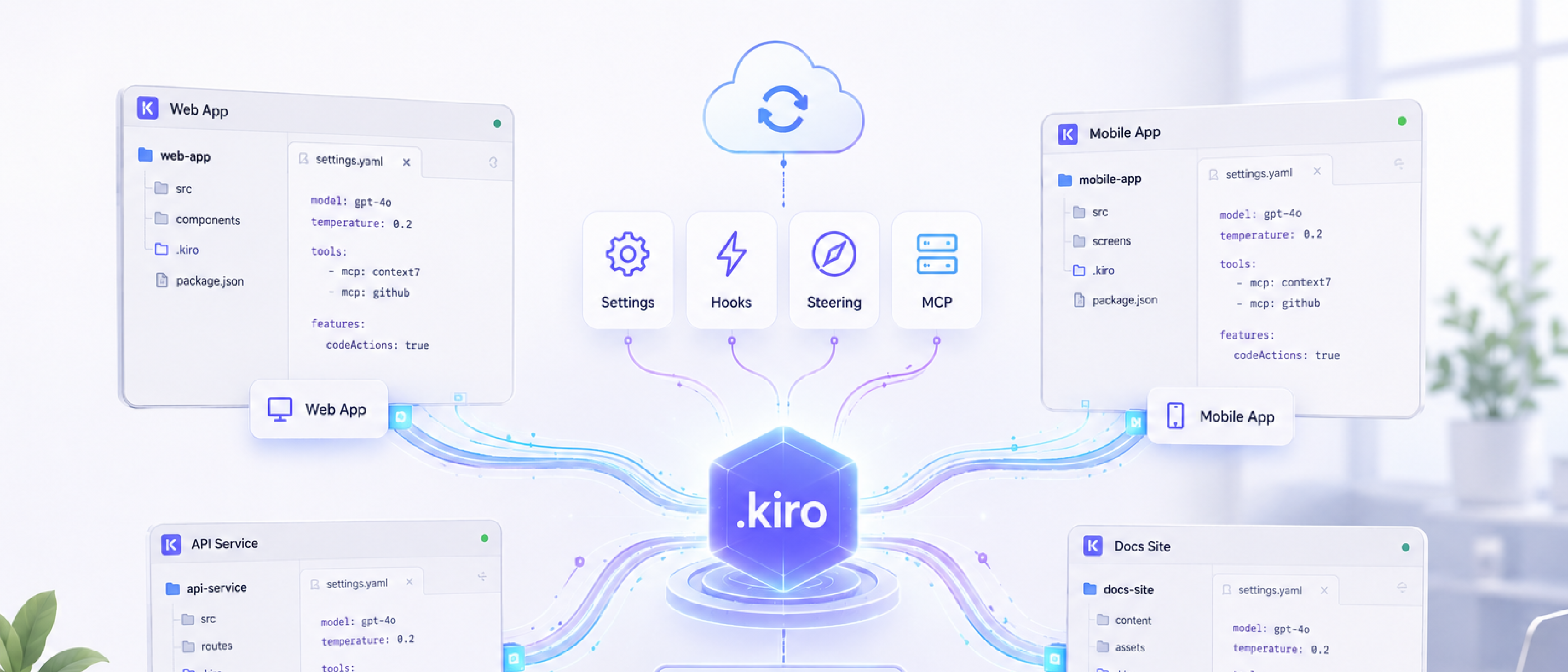
I’ve been spending more time with Kiro lately — building custom agents, writing steering files, tweaking skills. It’s become a real part of how I work. But there was one thing that kept bugging me: none of it followed me around.
Every time I spun up a new cloud instance or opened a different workspace, I’d start from scratch. My agents weren’t there. My steering files were invisible. It felt like leaving my toolbox at home every time I walked into a different workshop.
So I wanted to fix that. One place for all my Kiro config, synced everywhere, with as little ceremony as possible.
The answer turned out to be pretty boring in the best way: a Git repo and some symlinks.
The setup
The repo — I’m calling it kiro-shared-config — is just a folder structure with the things Kiro cares about:
kiro-shared-config/
├── agents/
├── steering/
├── skills/
├── setup-instance.sh
└── setup-workspace.sh
Agents, steering files, skills — they all live here. Two shell scripts handle the wiring.
setup-instance.sh runs once per machine. It symlinks everything from the repo into ~/.kiro/, so steering files and skills are available at the user level right away.
setup-workspace.sh is the per-workspace one. This exists because of a quirk in how Kiro discovers agents — it only looks inside the workspace’s .kiro/agents/ folder, not the user-level ~/.kiro/agents/. So this script bridges that gap by creating symlinks from the workspace back to the user-level agents.
The result is a chain of symlinks that looks like this:
workspace/.kiro/agents/my-agent.md
  → ~/.kiro/agents/my-agent.md
    → ~/Projects/kiro-shared-config/agents/my-agent.md
Symlinks all the way down. It works.
Why symlinks
The nice thing about symlinks is there’s only ever one copy of each file — the one in the repo. Edit it there, commit, push, and every linked instance picks up the change on the next git pull. No copying, no syncing tools, no drift.
The actual linking is straightforward:
for f in "$REPO_DIR"/agents/*.md; do
  [ -f "$f" ] && ln -sf "$f" ~/.kiro/agents/"$(basename "$f")"
done
Nothing fancy. That’s kind of the point.
The workspace agent gap
The one thing that took a bit of thought was the workspace-only agent discovery. Since Kiro doesn’t look at ~/.kiro/agents/, just setting up the instance level wasn’t enough for agents specifically. Steering files and skills work fine at the user level, but agents needed that extra workspace-level link.
The workspace script handles this, and it’s careful about it — if an agent already exists in the workspace (say, a project-specific one the team shares), it skips it. No overwrites, no surprises.
Since these symlinked agents are personal config, not project files, I add .kiro/agents/ to the workspace’s .gitignore. The script reminds you to do this too.
Using it
Clone the repo, run the instance setup once:
git clone <your-remote> ~/Projects/kiro-shared-config
~/Projects/kiro-shared-config/setup-instance.sh
Then for each workspace:
~/Projects/kiro-shared-config/setup-workspace.sh ~/Projects/my-projectAfter that, syncing is just git pull. Add a new agent to the repo, push it, pull on your other machines, and it’s there.
It’s not a complex solution, but that’s what I like about it. It stays out of the way and just works. Now when I open any workspace on any instance, my Kiro setup is already waiting for me.
Happy Hacking, - Hammer -